On this page:
Online workshop materials
- PowerPoint presentations that give you a detailed introduction to the SSRIC, to Teaching Resources, and to the three social science databases - ICPSR, Field, and Roper. Faculty and students can work through them on their own, or they can be used in workshops. We estimate that each presentation would require approximately one hour to complete in a workshop format. To access them, click on the links that follow:
- Short (five to ten minute) videos on YouTube, including a brief introduction to the ICPSR. We also have a short YouTube video about the SSRIC itself.
- PowerPoint presentations on data and statistical software (originally used at campus workshops) are available for the Social Science Data Bases, for Survey Documentation and Analysis (SDA), and for introductory SPSS and intermediate SPSS. A list of URLs that were used in a Social Science Data Base Workshop is also available.
- PowerPoint presentations on using data in instruction (also originally used at campus workshops or professional meetings) are available for Quantitative Literacy and for Teaching Resources.
Comments are very much welcome. Please contact Ed Nelson at: ednelson@csufresno.edu.
General information
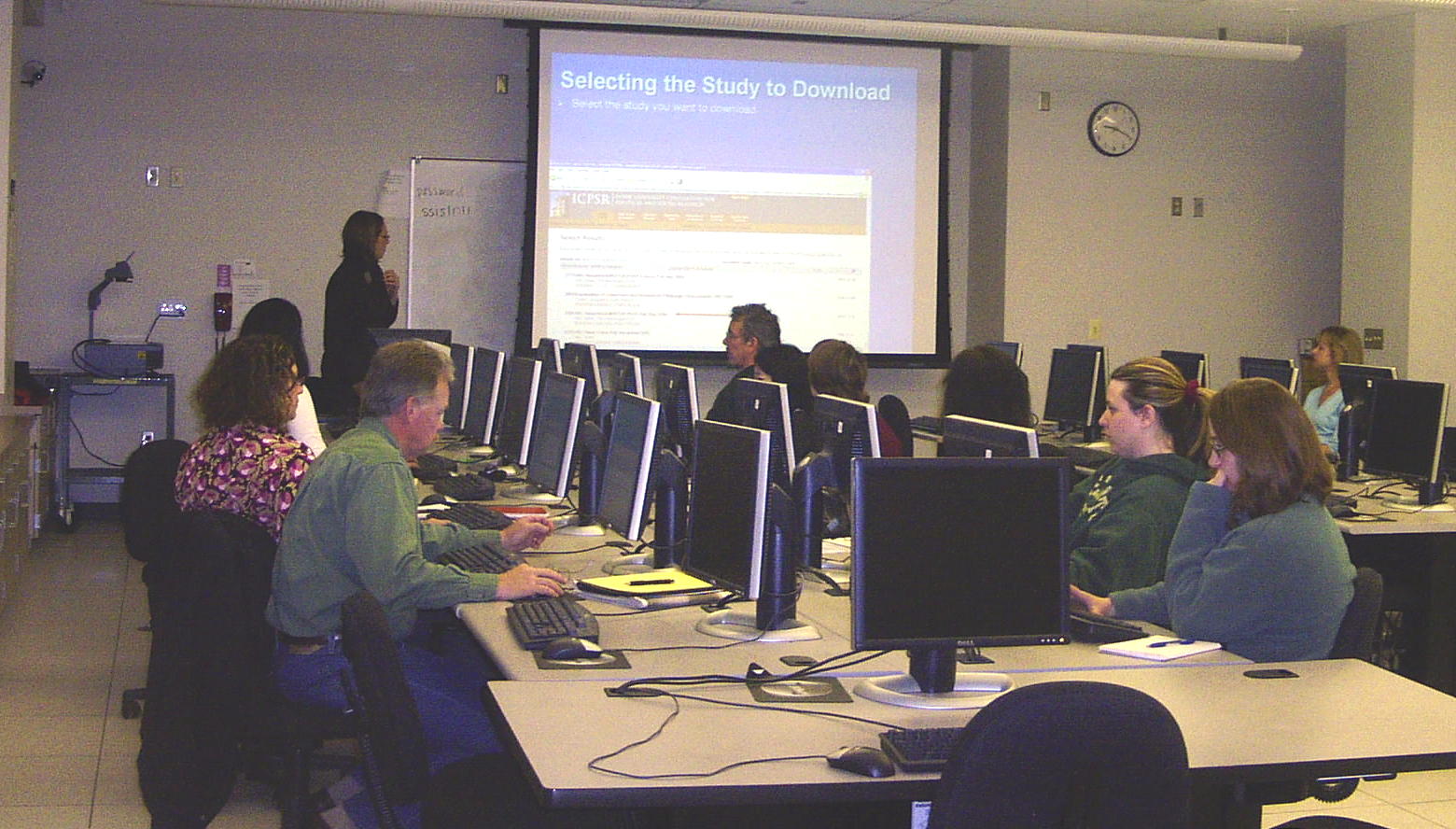
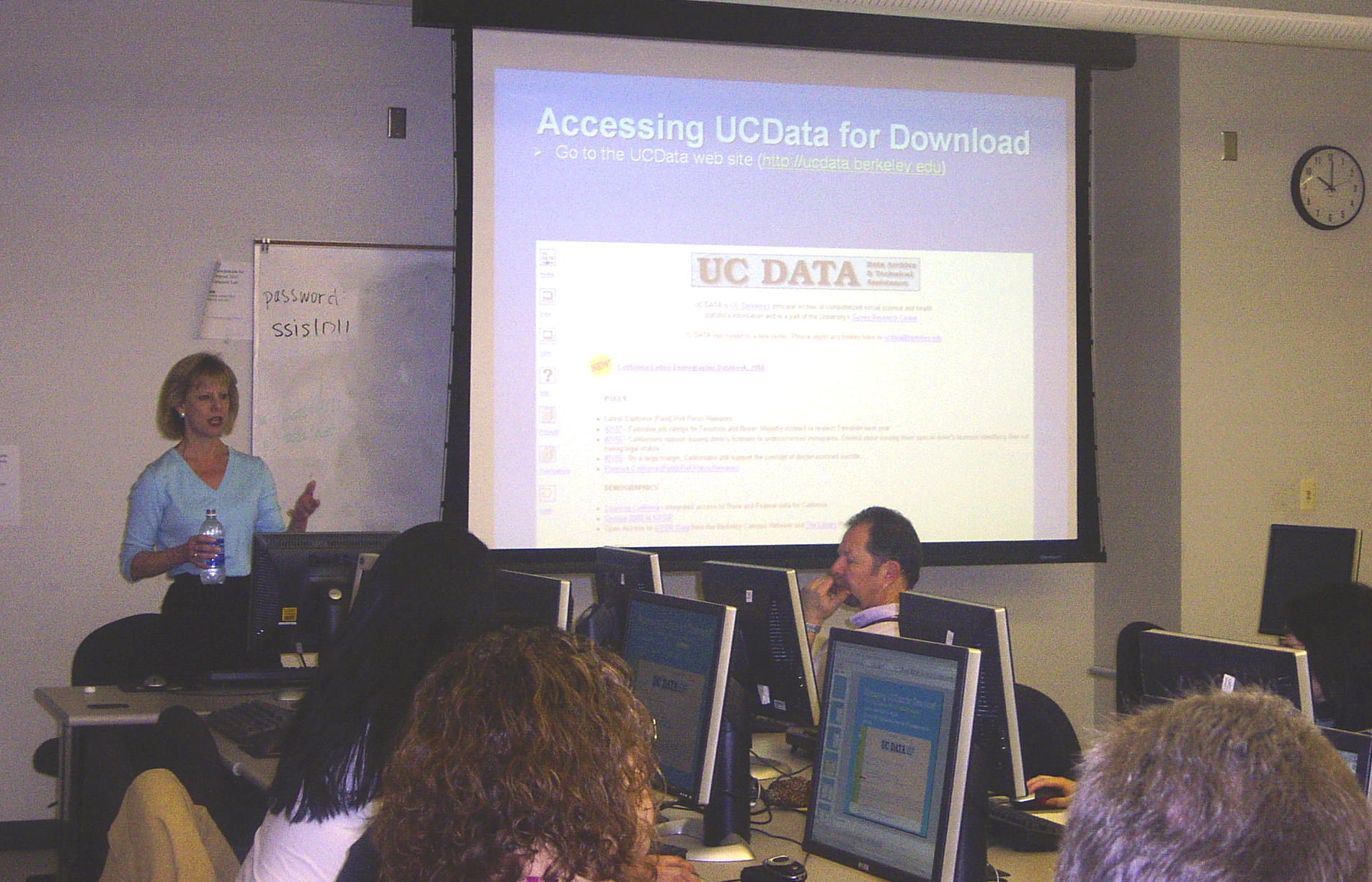
The Social Science Research and Instructional Council offers workshops on a variety of topics, including Social Science Data Bases, SPSS, and Survey Documentation and Analysis (SDA). Presenters will come to your campus (at no charge to CSU campuses) and provide hands-on training. Presenters will help participants with downloading the data files. However, presenters are usually not available to consult on specific research questions.
To date, we have developed the following:
- NVivo -- software for text-based analysis (NEW).
- Introduction to the Social Sciences Data Bases (ICPSR, Field, Roper, etc.)
- Introduction to SPSS (overview of SPSS, recode, compute, select if, frequencies, descriptives, explore)
- Intermediate SPSS (review of intro workshop, crosstabs, comparison of means and one-way ANOVA, t-tests, regression and correlation, graphs)
- Survey Documentation and Analysis (SDA) (an online statistical analysis package)
- Data in the Classroom
- Teaching Resources
- Integrating Quantitative Literacy Resources into the Classroom
Suggestions for host campus representatives

Things SSRIC representatives need to do in preparation for workshops:
- Working with your campus center for professional development (or it may be called something else such as the center for teaching and learning) to prepare for the workshop. They will often help you recruit faculty for the workshop. They may be able to provide other incentives such as stipends and materials.
- Recruiting faculty for the workshop. Graduate students and staff may also attend, but priority ought to be given to faculty.
- Developing and distributing a flyer. See attached flyers (in MS Word format) from workshops at San Bernardino and Humboldt as possible models.
- Arranging for a lunch for participants and presenters where they can talk and socialize right after the workshop. Hopefully your campus will pay for the lunch.
- Arranging for a lab for the workshop. The lab ought to have the following software:
- Internet browser. Please check to be sure that Internet Options are set for Passive FTP. (See our Field Poll Guide and scroll sown to "Setting Up Your Browser.")
- Microsoft Office including PowerPoint
- SPSS (let us know which version)
- If Windows XP or later is not the operating system, we will need some type of software to unzip files.
- Download data files from the archives to the lab that will be used for the workshop to make sure that downloads are working. See download instructions for ICPSR, Field Polls at the Berkeley site, and Roper. It’s always possible that the lab is not in the IP list we use to authenticate users. That can be fixed, but we need a few days lead time. We will be glad to work with you over the phone on downloading the files. It's also a good idea for participants to bring a flash drive to the wrokshop so that they can take with them any files they've downloaded. This suggestion should be included in the recruitment flyer.
A typical agenda for a workshop often looks like the following. (It can, of course, be modified.)
- Workshop from 9 am to noon with one break
- Lunch from noon to 1 pm
- One-on-one sessions with participants who want to stay and work with the presenters from 1 pm to 2:30 pm
If you would like to discuss the possibility of a workshop, or you have any questions, please write Ed Nelson at ednelson@csufresno.edu.
Last Modified: March 6, 2017